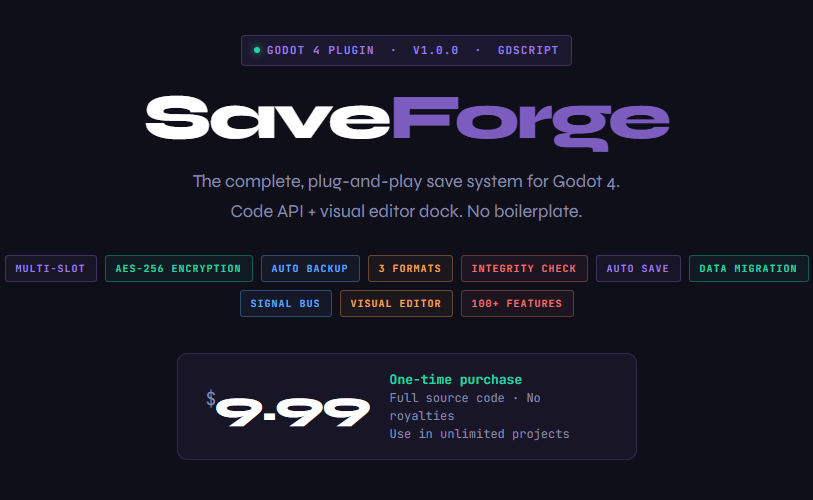
SaveForge
SaveForge v1.0.1 — Update Notes
⚠️ Important — v1.0.0 Buyers
If you purchased version 1.0.0 before 18/03/2026, don’t worry — you’re fully covered.
Contact me directly or click “I already paid for this” to access the corrected version at no extra cost.
Thank you for your support 💜
🧠 Core Improvements
📦 SaveSlot Integration
SaveManager now uses SaveSlot internally — every save file includes creation time, last modified time, slot label, and a custom metadata dictionary automatically.
⚙️ Runtime Configuration
Switch formats on the fly using set_format() without touching ProjectSettings.
🔐 Encryption API Expansion
New functions: set_encryption_key(), clear_encryption_key(), is_encryption_enabled().
⚠️ Smart Safety Warning
Automatic warning if encryption key changes while encrypted save files already exist.
🗂️ Slot Data Access
Full access to slot data from code:
set_slot_label() · get_slot_label() · set_slot_metadata() · get_slot_metadata() · get_slot_modified() · get_slot_created() · get_slot_object()
🧬 Serializer Upgrades
🔑 True Key Type Preservation
Dictionary keys now retain their original type (int, float, bool, String) through JSON save/load cycles.
📊 Ordered Storage
Dictionaries are internally stored as ordered key/value arrays — eliminating JSON ambiguity completely.
🔒 Encryption Enhancements
🧱 Correct AES Padding
AES-256-CBC now properly pads input to 16-byte blocks before encryption.
🧠 Smarter Detection
Encryption detection now uses file content instead of Base64 decoding — safe across all formats.
💽 Storage Format Fixes
🔄 Unified Format Routing
JSON · Binary · ConfigFile now correctly pass through SaveForgeFormatChooser for both save and load.
📤 Full Import / Export Support
All formats are now supported — no longer limited to .json files.
🖥️ Editor Dock — Variables Tab
🧠 Smart Type-Aware Editing
Double-click values to open the correct editor automatically:
- bool → checkbox
- int / float → SpinBox
- Vector2/3/4 → labeled x/y/z/w fields
- Color → ColorPickerButton
- Rect2 / Rect2i → 4-field grid
- Array / Dictionary → JSON TextEdit
⚡ Instant Apply
All editors save automatically on Enter or focus loss — no Apply button.
↩ Undo System
Restore recently deleted variables (up to 10 steps).
🔄 Format Switching UX
Format dropdown replaced with a label + ⇄ button that shows a restart confirmation popup.
🔐 Encryption Indicators
[ENC] / [OPEN] status displayed next to slot name.
🔑 In-Dock Key Management
Encryption key field added with reveal 👁 and clear ✕ controls.
⚠️ Smart Encrypted File Handling
Warnings are now interactive — double-click to enter key without leaving the dock.
Encrypted files display a clear message instead of parse errors.
⚙️ Accurate Settings Sync
Settings panel now loads real ProjectSettings values on open.
Leave a comment
Log in with itch.io to leave a comment.